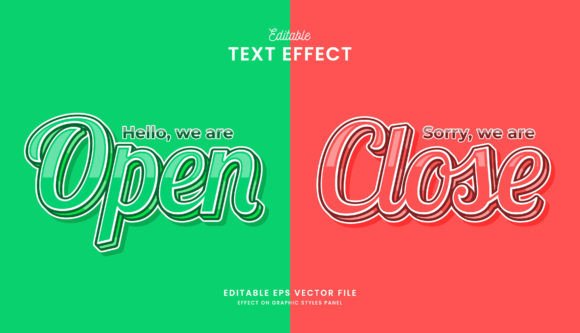
Open and Close Editable Text Effect for Adobe Illustrator
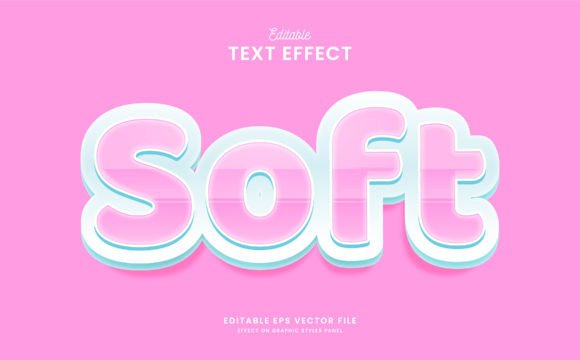
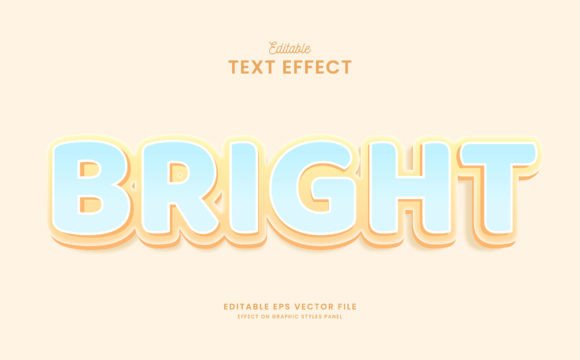
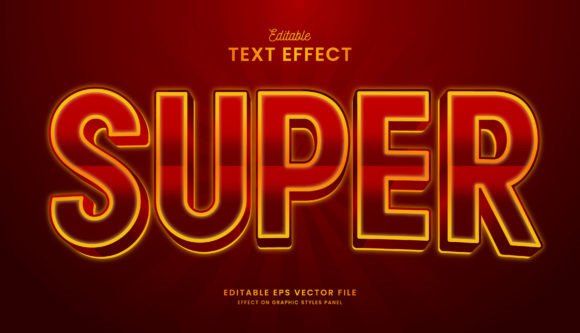
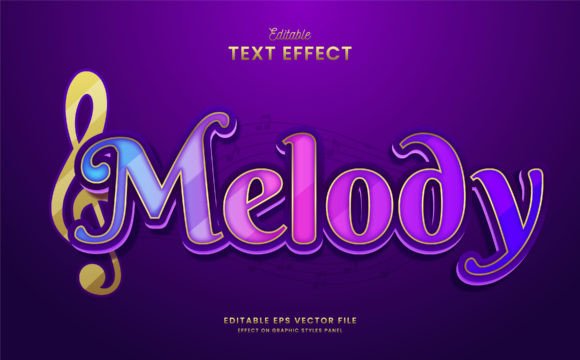
The Open and Close Editable Text Effect is a powerful design tool that allows users to create visually appealing text with dynamic, editable open and close effects. Whether you're a professional designer, marketer, educator, or creative hobbyist, this effect offers flexibility and style in your projects. Unlike static text effects, the Open and Close Editable Text Effect provides full customization options—making it ideal for both personal and commercial use.
What Makes This Text Effect Unique?
At its core, the Open and Close Editable Text Effect is designed to enhance typography by adding motion-like transitions between open and closed states of the text. This can be used to draw attention, create interactive visuals, or simply add an artistic flair. The beauty of this effect lies in its editability: each element can be fine-tuned without losing quality, thanks to its vector-based nature.
One of the standout features is that all 100 text elements are fully customizable. You can change fonts, colors, sizes, and positions easily within Adobe Illustrator CC or higher versions. This level of control ensures that your design aligns perfectly with your brand's identity or project requirements.
Key Features at a Glance
- 100 Fully Editable Text Elements: Modify every part of the design to suit your needs.
- Easy Customization: Change fonts, colors, and layouts effortlessly.
- Compatibility: Works seamlessly with Adobe Illustrator CC and above.
- RGB Color Format: Ensures vibrant and accurate color representation across digital platforms.
- Free Fonts Included: Avoid licensing issues while maintaining high-quality typography.
- Multiple File Formats: Comes as .zip, .eps CC, and JPG files for versatile use.
- Scalable Vector Design: Resize without compromising clarity or sharpness.
Why Use Open and Close Editable Text Effect in Your Projects?
Typography plays a critical role in visual communication. When paired with a decorative and editable text effect like the Open and Close variant, it becomes even more impactful. Here’s how this effect can benefit your work:
Enhanced Visual Appeal
The decorative nature of the Open and Close Editable Text Effect adds depth and character to your designs. It can transform simple text into eye-catching graphics suitable for posters, social media posts, presentations, and more. The ability to toggle between open and closed states makes it especially useful for creating animated still images or interactive content.
Improved Branding and Communication
For businesses and marketers, consistent branding is essential. This text effect allows you to maintain a cohesive look across different materials by customizing the font, color, and layout according to your brand guidelines. It also helps emphasize key messages, making your communication more effective and memorable.
Greater Efficiency in Design Workflows
Designers often spend hours adjusting text effects to fit specific projects. With this editable effect, you can streamline the process. Since everything is vector-based, resizing is hassle-free, and changes can be made on the fly. This saves time and increases productivity, especially when working under tight deadlines.
Real-World Applications of the Text Effect
Let’s explore some practical ways professionals and creatives can leverage this tool in their workflows:
Marketing and Advertising
Marketers can use the Open and Close Editable Text Effect to craft compelling ad copy, banners, or promotional material. For instance, a product launch poster featuring animated text can generate curiosity and engagement among potential customers. The RGB color format ensures that these visuals pop on digital screens, from websites to mobile ads.
Graphic Design and Creative Projects
Freelancers and graphic designers will appreciate the versatility of this effect for client projects. From logo concepts to editorial illustrations, the ability to edit and adjust each component gives you the freedom to experiment and deliver unique results. Its compatibility with Adobe Illustrator means you can integrate it into complex compositions without any limitations.
Education and Presentations
Educators and presenters can use this effect to make learning materials more engaging. Think of a PowerPoint slide where key terms appear with a dramatic open-close animation. Or use it in infographic designs to highlight important data points. The clear structure and customizable fonts ensure readability remains top-notch, even with stylistic enhancements.
Digital Content Creation
Bloggers, publishers, and content creators can incorporate this text effect into website headers, email newsletters, or social media assets. A well-designed headline using this effect can significantly improve user experience and increase click-through rates. Plus, the JPG file option makes it easy to export and use in non-vector environments such as Canva or Photoshop.
Commercial Use and Print Media
If you’re involved in print design, the Open and Close Editable Text Effect maintains its crisp quality at any size. Use it for event invitations, brochures, or packaging labels. The EPS format is particularly valuable here, as it supports high-resolution printing without degradation in image quality.
Getting Started with the Text Effect
Using the Open and Close Editable Text Effect is straightforward. Once you’ve downloaded the .zip file, extract the contents and open the .eps file in Adobe Illustrator. From there, you can select individual text layers and modify them as needed. Here’s a quick breakdown of what you’ll find inside:
- A clean and organized layer structure for easy editing.
- Instructions included to help you navigate the file efficiently.
- Editable text fields for changing words or phrases quickly.
- Customizable stroke widths, spacing, and alignment settings.
- Ready-to-use JPG versions for instant application in web or print formats.
Best Practices for Customization
To get the most out of this text effect, consider the following tips:
- Choose the right font: While free fonts are provided, experimenting with other compatible fonts can lead to more personalized results.
- Match your brand palette: Customize colors to align with your existing design language for a seamless look.
- Test different sizes: Ensure the text effect works well across various resolutions and screen sizes before finalizing your design.
- Use sparingly for maximum impact: Too many effects can overwhelm viewers, so apply this one strategically to highlight key messages.
Common Use Cases and Recommendations
Here are a few real-world examples where the Open and Close Editable Text Effect shines:
1. Social Media Graphics
When designing Instagram posts or Facebook banners, this effect can help your headlines stand out. The open and close transition mimics animation, which is known to boost engagement and retention. Try pairing it with bold imagery or minimalist backgrounds for a modern aesthetic.
2. Event Posters and Invitations
Event organizers looking to create buzz around a new launch or conference can benefit from this effect. Imagine a poster where the event name appears to “open” gradually, revealing itself with style. The vector format ensures it looks sharp whether printed on large billboards or shared as digital invites.
3. Product Packaging and Labels
Entrepreneurs and small business owners can use this effect to elevate their packaging designs. Whether it’s a label for a skincare product or a tagline for a clothing line, the customizable nature allows you to match the tone and style of your brand perfectly.
4. Website Headers and Landing Pages
Web designers can export the JPG version of the text effect and use it in landing pages or blog headers. The RGB colors ensure that the text remains vibrant and consistent across different browsers and devices. Just remember to optimize the image size for faster load times.
Considerations When Choosing or Using This Effect
While the Open and Close Editable Text Effect is highly versatile, there are a few things to keep in mind:
- Software Requirements: Ensure you have Adobe Illustrator CC or a newer version installed for full functionality.
- File Organization: Review the layer names and groupings to understand the structure before making edits.
- Export Options: If you need a transparent background, always check the export settings to retain that feature.
- License Compliance: Verify that any additional fonts or graphics you use are properly licensed for your intended purpose.
Final Thoughts on Enhancing Your Designs
The Open and Close Editable Text Effect isn’t just another design asset—it’s a tool that bridges creativity and efficiency. By offering full control over every aspect of the text, it empowers users to produce polished, professional-looking designs in less time. Whether you're crafting a marketing campaign, preparing educational materials, or enhancing your portfolio, this effect can add a touch of elegance and dynamism.
Its adaptability across different industries and mediums makes it a valuable addition to any designer’s toolkit. As with any design resource, the key is to use it thoughtfully and in alignment with your overall vision. So go ahead, download the file, and let your imagination take flight with this innovative text effect.
If you run into any issues during setup or customization, don’t hesitate to reach out for support. Happy designing!